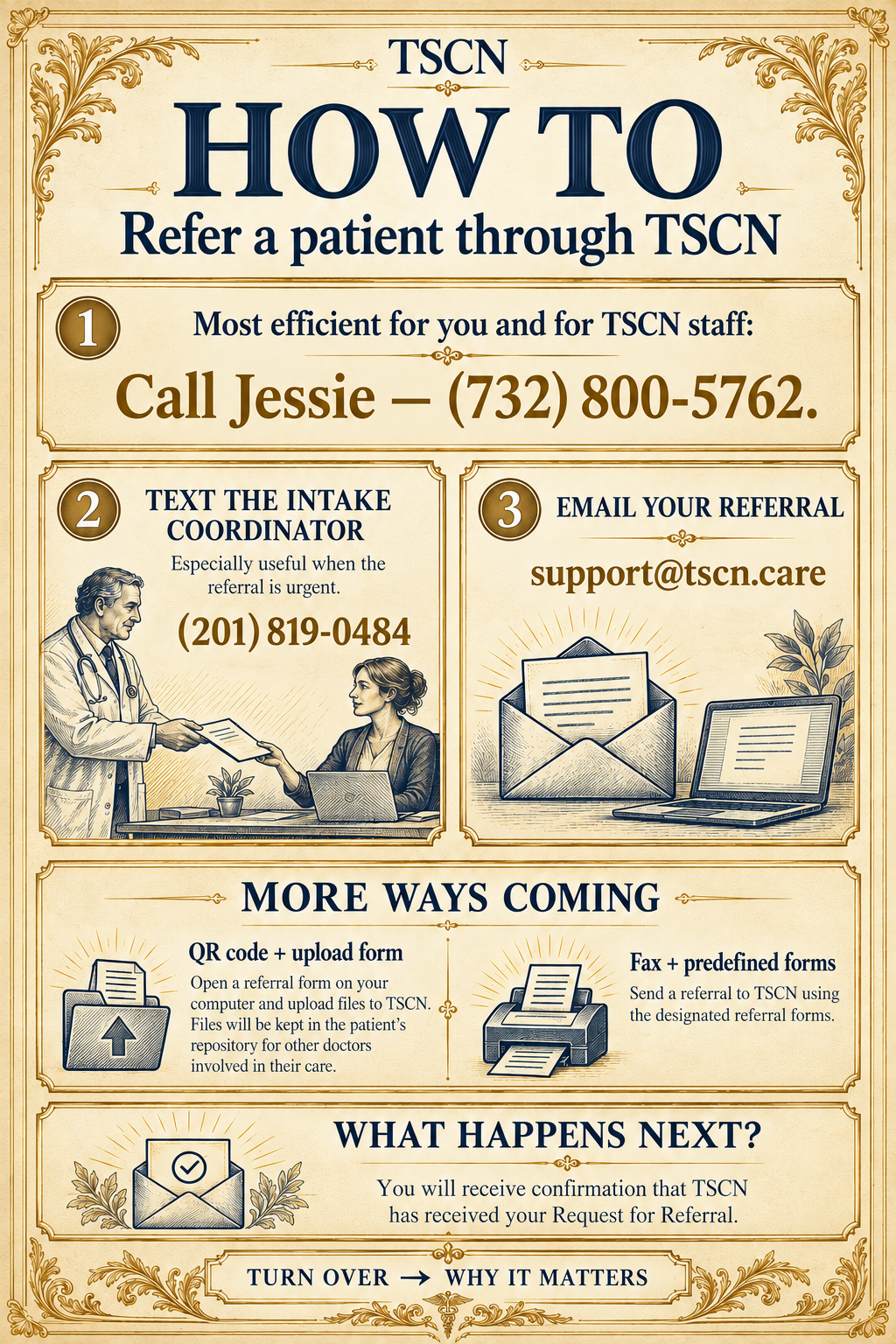
How to refer a patient through TSCN

TSCN REFERRAL FORM (Beta)
Beta form — available for referral submissions.
Scan with your phone, or open the form on this device. Refer to the TSCN Referral Engine or a named doctor, and upload patient documents.

TSCN HIPAA AUTHORIZATION
Permission for TSCN care coordinators to help obtain and share relevant reports between your treating doctors.
Designed for signing on a phone or computer.
Available for patient signatures. Representative details appear only when a representative is signing.
Read the text version
Option #1: Call Jessie
Most efficient for you and for TSCN staff: Call Jessie — (732) 800-5762.
Option #2: Text the intake coordinator
Text (201) 819-0484. Especially useful when the referral is urgent.
Option #3: Email your referral
Send your referral to support@tscn.care.
Patient Referral Form
Scan the QR code or open the Patient Referral Form on this device to enter the referral and upload supporting documents.
Fax — coming soon
Fax + predefined forms: Send a referral to TSCN using the designated referral forms.
What happens next?
You will receive confirmation that TSCN has received your Request for Referral.